
For dog owners
Add family or friends to your account
Everyone in your household shares full access: they can book, manage pets, and follow what’s happening, from the same shared account.
Invite someone
- Open PetAppro and sign in.
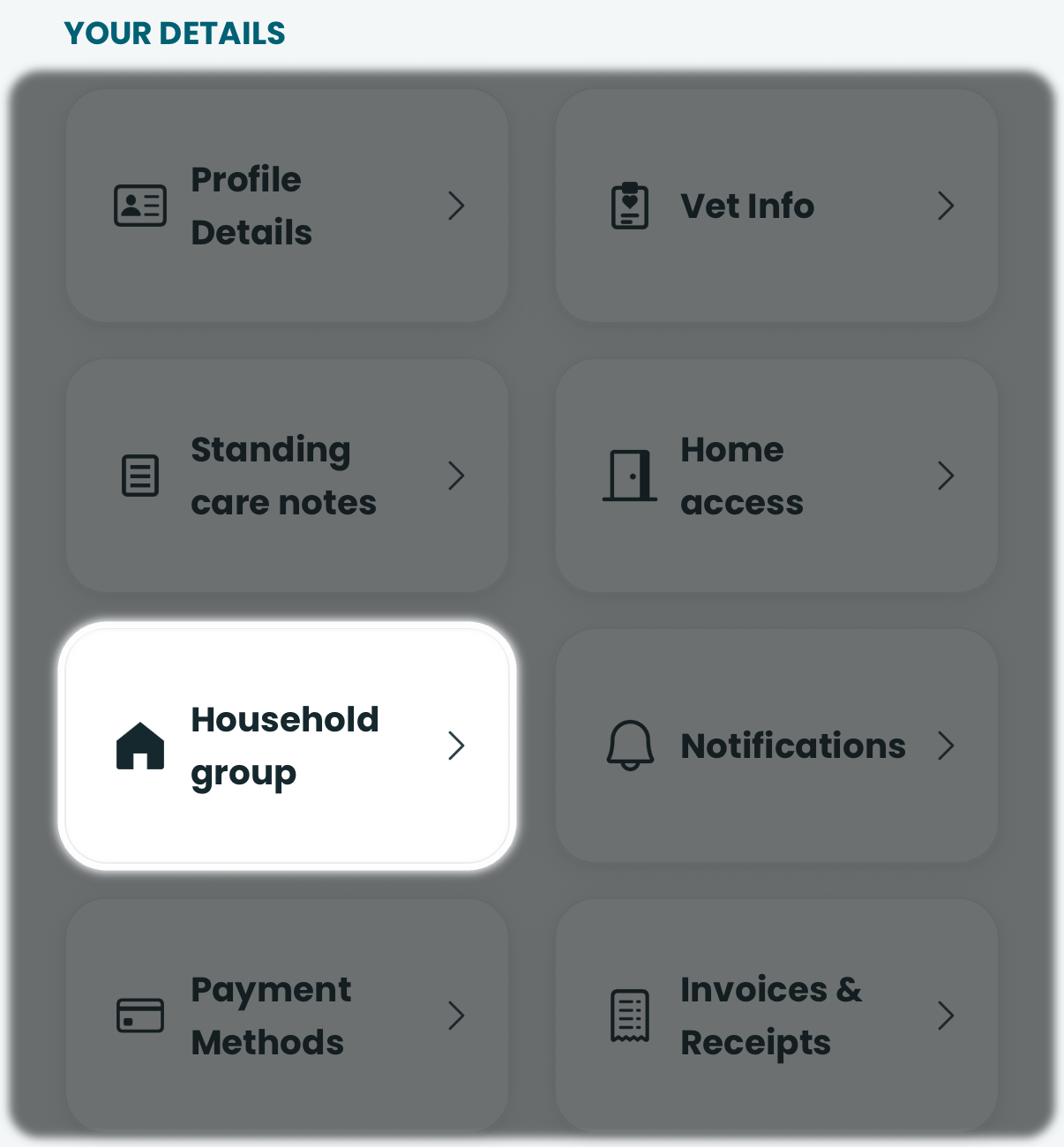
- Tap Account, then Household group.
- Under Invite someone, enter their Name and Email.
- Tap Send invite.
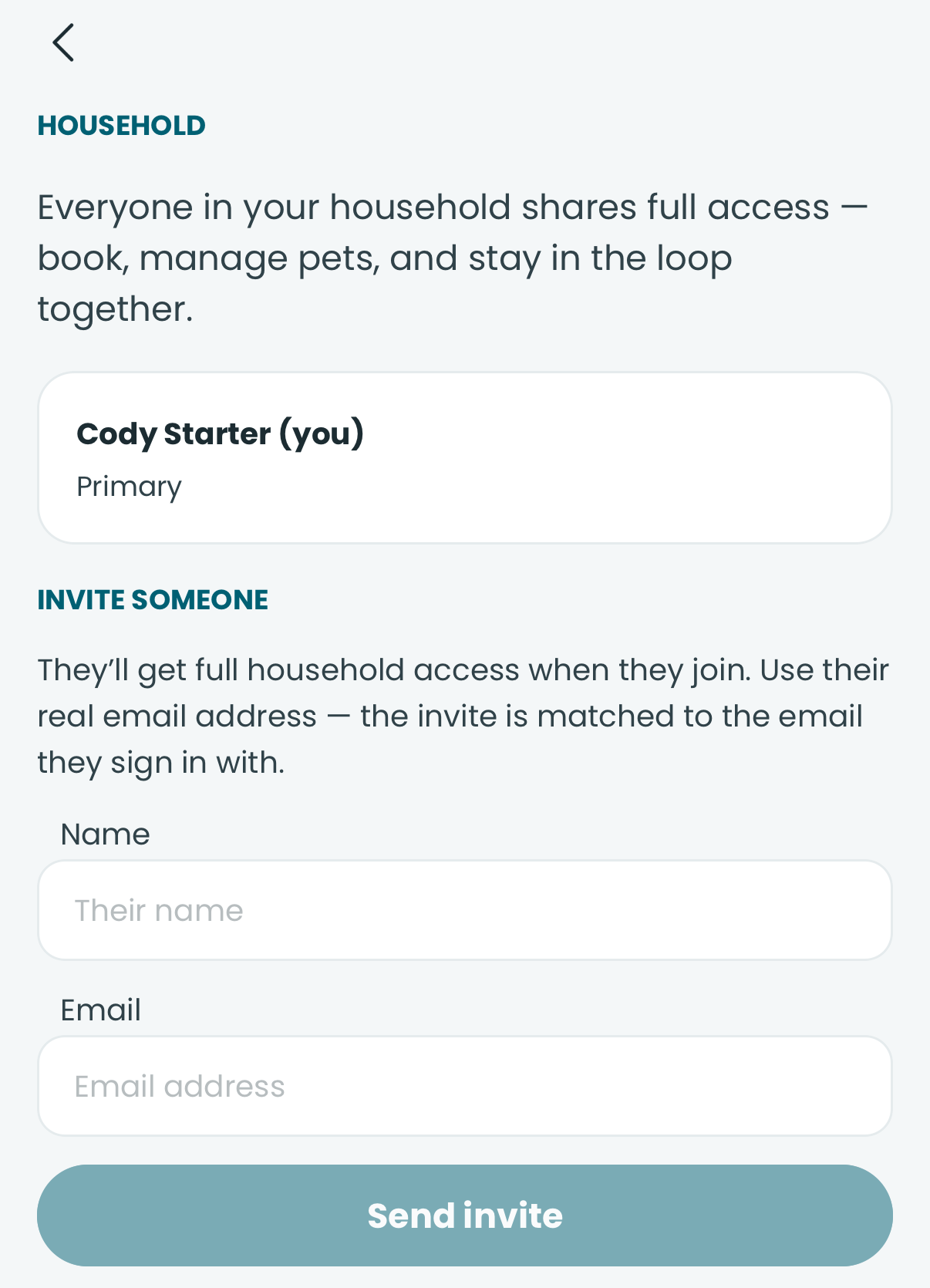
Until they join, they appear under Pending invites. Tap Cancel there to take an invite back.
What they do
- They get an email with how to join, and the date the invite expires.
- They get the PetAppro app and sign in with the email address you invited.
- They find your invite under Household invites, add their name (and phone, if they like), agree to the Client Terms, and tap Join household.
A person can belong to one household at a time. If an invite has expired, send a new one.
Remove someone
Go back to Account, then Household group. The household’s primary member can tap Remove next to a person’s name. Other members can tap Leave to leave the household themselves.